How do I use the CEIVA Photo Customizer?
Look for the Customize button on the side of any album, gallery, or queue of photos. If you're uploading photos for the first time, you can also select the Customize checkbox.
For more information on how to use the tools in the CEIVA Photo Customizer, see our help series.
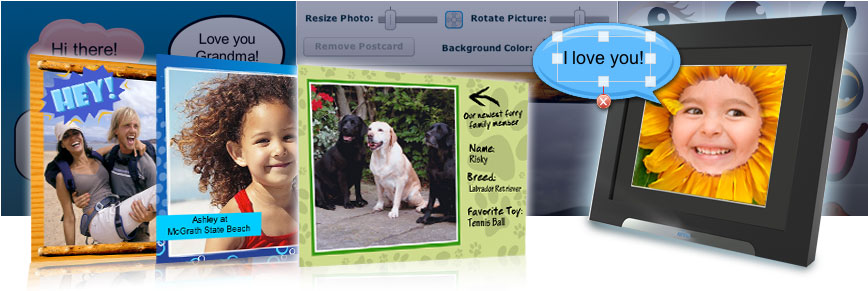
Add some flair to your photos, notes about your trip, or fix colors and cropping.
The CEIVA Photo Customizer is a robust and free tool set right on ceiva.com. Use it to fix your photos and add fun borders, notes, cutouts and stickers before you send them to a CEIVA frame.
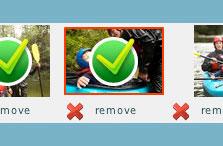 Select one or many photos, customize or remove them, and send them all at once to a CEIVA frame. |
 Give your mom a mustache or your cat a fez and monocle. Over 200 new stickers make the possibilities endless! |
 Borders make your photos pop! Add words to write a message or create a whole new design in a click. |
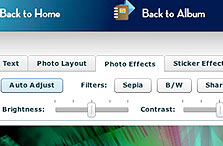 Simple photo editing tools let you change rotation, sizing, brightness, contrast, and more, right from ceiva.com. |